Countdown Timer for Your Live Stream.
Put a countdown timer on your live stream on YouTube, Facebook, Twitch or any other platform. Count down to a product launch, a sale, a premiere or the start of your show. When a countdown is all you stream, our servers do the streaming, so nothing has to stay open on your computer.
- Free to start
- 4.8 from 633 reviews 4.8 is the average of 633 customer reviews. They come from public review sites and from our own review system.



- 2070Streams broadcasting through LiveReacting right now. Value updated every hour from the actual database. Streams live right now
- 3M+Every stream published through LiveReacting since launch. Counted in the LiveReacting database on 11 September 2026. Streams published
- 39K+ Customers
- 99.998% Uptime






Count down to an event weeks away.
Set the date of your launch, sale or event, and the countdown runs on your channel until then. Our servers send the stream the whole time, so your computer can be off for all those weeks.
-
Days, weeks or months ahead
Count down to a date and time, for as many days as you need. Or set a length instead, up to 23 hours, 59 minutes and 59 seconds, that starts when you go live. Read how to set a length.
-
No length limit on the stream
On the Countdown plan the stream runs for as long as your countdown does, on YouTube and any other platform without a limit of its own. Facebook ends a live video at 8 hours and Twitch a broadcast at 48 (their help pages, September 2026).
-
A stream length that matches
One button sets the stream's length to the time left on the countdown, measured when you press it, and the stream stops by itself when that time is up. For the last hours before a deadline, such as the end of a sale.
A countdown to the end of a sale: 13 times more views.
Amazon India and Huawei ran their countdowns on Facebook Live with LiveReacting. We compared Amazon India's with the average video on the same Facebook page, and it got 13 times more views. These are their numbers, not a promise about yours.
| Brand | What they counted down | Their LiveReacting countdown |
|---|---|---|
| Amazon India | The end of a weekend sale | 106K views, 13 times more than their average video |
| Huawei Italy | A Christmas campaign | 50K views, 500+ reactions |
How this was counted: for Amazon India, we compared the views on the countdown live stream with the average of the other videos on the same Facebook page at the time of the stream. Huawei's figures are the counts on its Facebook video. Both stories are on the success stories page with their broadcasts. See the success stories
Open your show with a countdown.
In the LiveReacting studio, a countdown can be the first scene of a show you present. When it ends, the stream switches to the scene you picked: your camera, a video or your guests.
Read the setup guide → Watch the video tutorial →-
The next scene when it ends
Pick the scene that comes after the countdown: your camera, a pre-recorded video, a guest interview. The stream switches to it by itself. Read how to set it up.
-
Scheduled and announced
Schedule the stream to go live half an hour before your start time, and the countdown runs until then. Tick one box, and LiveReacting announces it on Facebook or YouTube so viewers can set a reminder. Scheduling is on the paid plans.
-
Inside OBS or vMix
Plugin Mode gives the countdown a link you add as a browser source, over the video your software sends. On the Small, Medium, Large and Enterprise plans; not on Free, 24/7 or Countdown.
Make the countdown look like your brand.
Pick one of three designs, set its colors and font, and place it over any background: an image, a video or your camera.
-
Simple, Flip or Modern
Plain digits, cards that turn, or digits that roll, with hundredths of a second on the Modern design.
-
Your colors and words
The font, the digit and background colors, the corners and the shadow. Your own words for days, hours, minutes and seconds, in any language.
-
Everything around it
Your logo, a title, a video or a picture behind the timer, music, even a live poll beside it. You place and size the timer like anything else on the stream.
3M+ live streams, 39K+ happy customers.
What they say about LiveReacting.

“The most amazing thing about this software is that you can update your stream on the fly. You can change branding, add pre-recorded videos and all from the cloud.
And then of course all the interactive tools like the countdowns, polls, trivia games are just so cool.”
 Geoffrey E.Chief Content Officer at a marketing agency
“LiveReacting is an amazing tool for interactive games on your live stream.
You can create all sorts of live games to play with your audience. It is really easy to set up and use.”
 Michael Feyrer Jr.Live Streaming Expert & YouTube Entrepreneur
“The different live stream formats LiveReacting provides have engaged our community with practical, intuitive, and fun trivia games & giveaways.
We plan to use these tools to expand our content creation even more in the future.”
 Luisa & MatLive Content Team at Hobbii
“Very satisfied with LiveReacting! It has helped us in social media campaigns and have contributed to successes of it.”
 Anne Nicole S.Social Media Officer at an airline
“This software checks all the boxes of exactly what I need for my YouTube livestreaming.
The UI is fantastic and very easy to use. It seems other platforms all have one or a few features missing that ruin it, but LiveReacting has had everything I need.”
 Jesse E.YouTube content creator
Ready-to-use countdown templates.
Launches, sales, events and holidays, ready to open. Set your own date and words, and go live without building anything from scratch.
-
 Open template
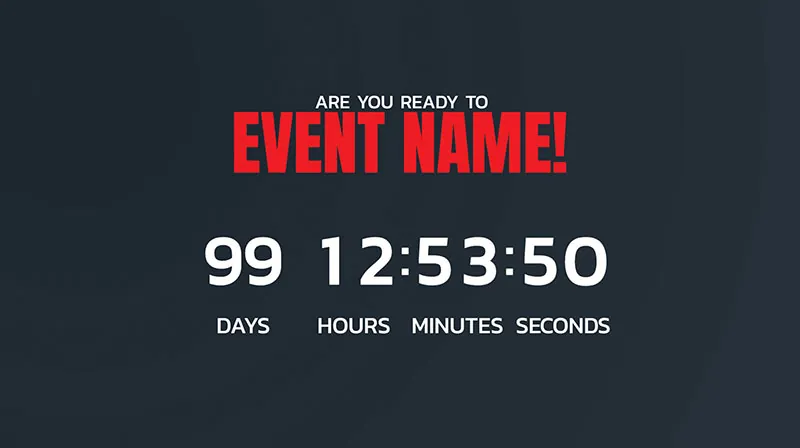
Days, hours, minutes and seconds to your event, on a dark background.
Event countdown
Open template
Days, hours, minutes and seconds to your event, on a dark background.
Event countdown
-
 Open template
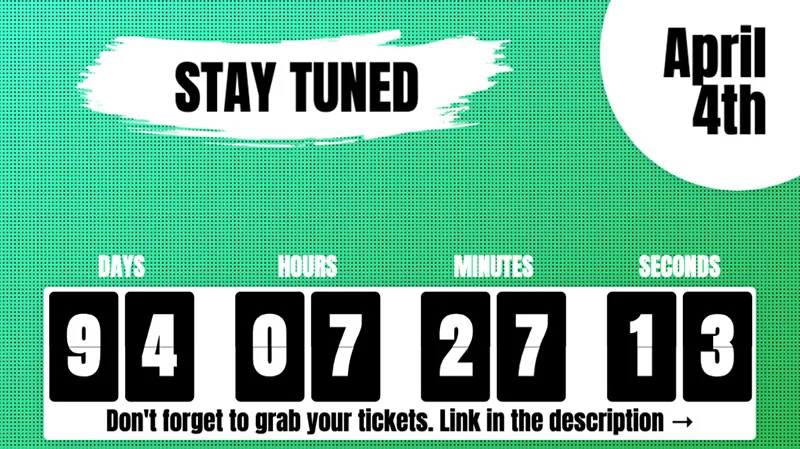
Digit cards counting down to a date, with a line pointing to your tickets.
Stay tuned countdown
Open template
Digit cards counting down to a date, with a line pointing to your tickets.
Stay tuned countdown
-
 Open template
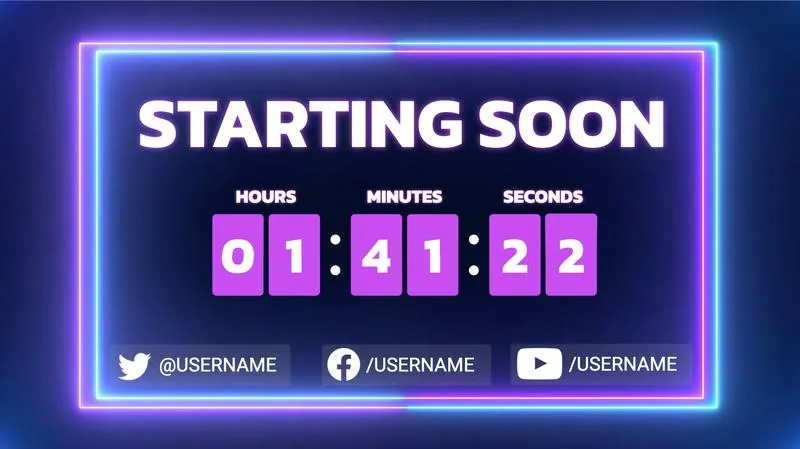
A starting soon screen that switches to your camera when it ends.
Countdown + web camera
Open template
A starting soon screen that switches to your camera when it ends.
Countdown + web camera
-
 Open template
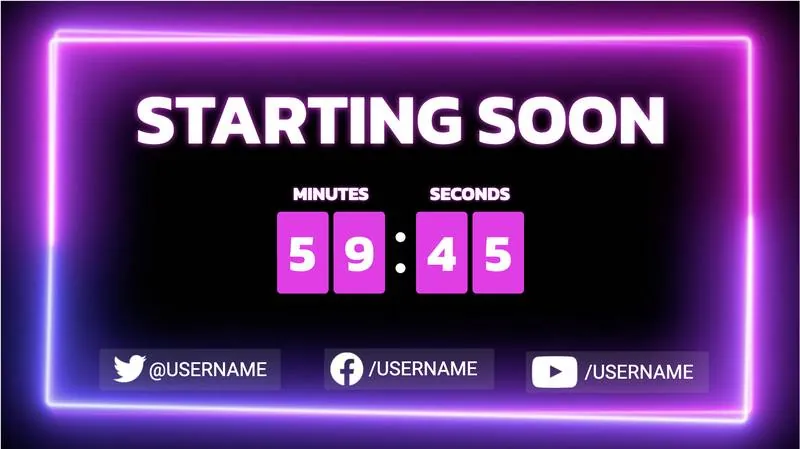
A starting soon screen that switches to your video when it ends.
Countdown + pre-recorded
Open template
A starting soon screen that switches to your video when it ends.
Countdown + pre-recorded
-
 Open template
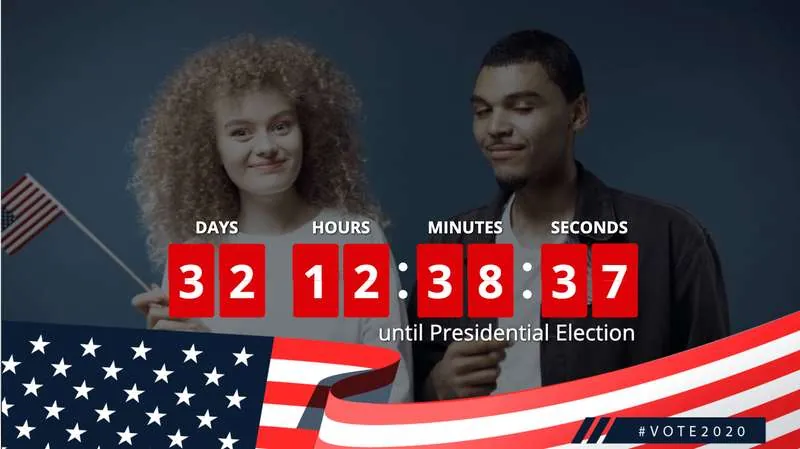
A countdown to election day in red digit cards, over a flag.
Election countdown
Open template
A countdown to election day in red digit cards, over a flag.
Election countdown
-
 Open template
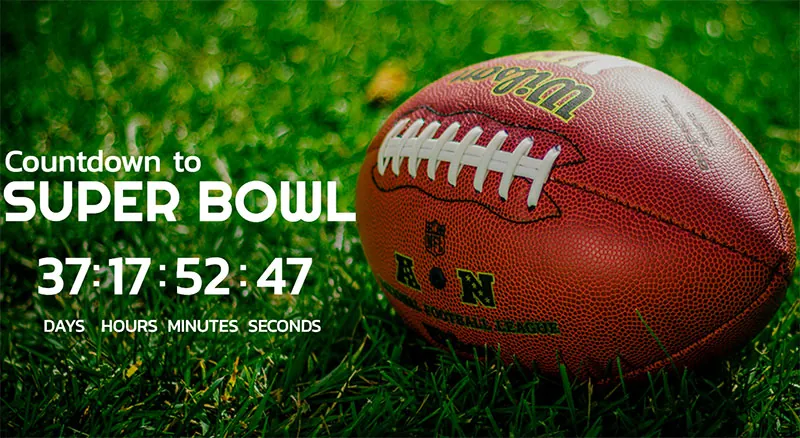
A countdown to the big game, over a football on the grass.
Super Bowl countdown
Open template
A countdown to the big game, over a football on the grass.
Super Bowl countdown
-
 Open template
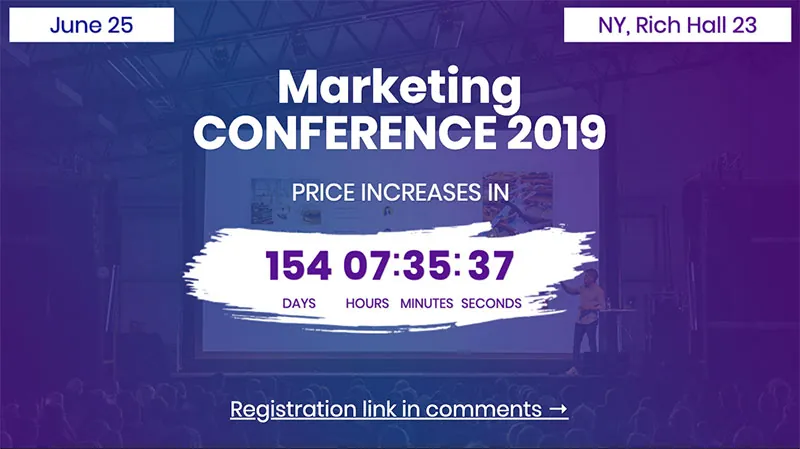
The time left before a conference price goes up, with a registration line.
Conference countdown
Open template
The time left before a conference price goes up, with a registration line.
Conference countdown
-
 Open template
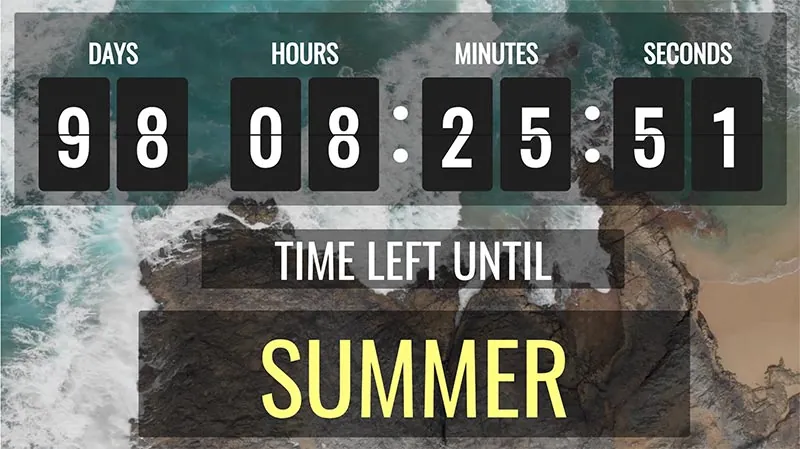
Large digit cards over a landscape, counting down to a season.
Flip countdown
Open template
Large digit cards over a landscape, counting down to a season.
Flip countdown
-
 Open template
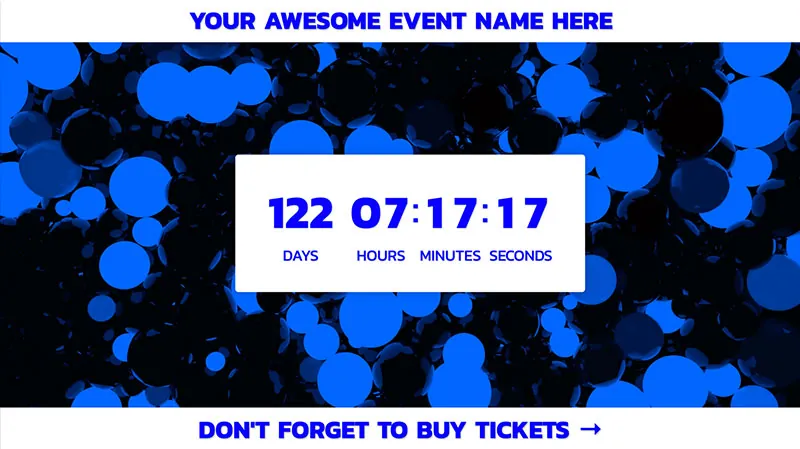
A white timer box over a blue background, with a tickets line.
Event countdown 2
Open template
A white timer box over a blue background, with a tickets line.
Event countdown 2
-
 Open template
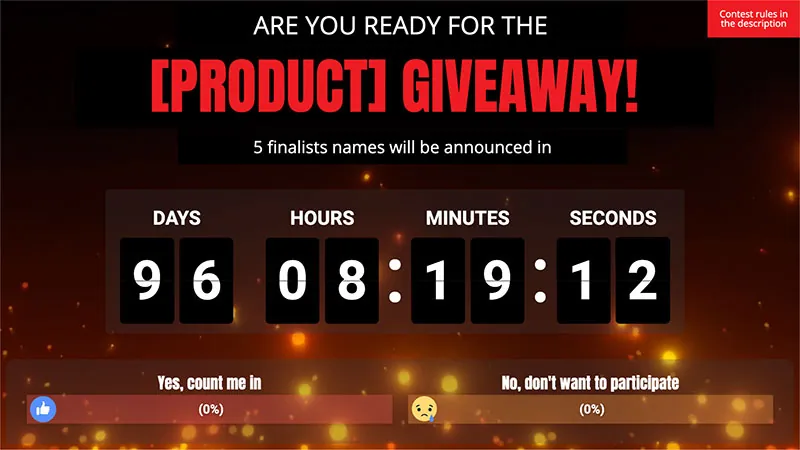
A countdown to a giveaway, with a reaction poll on who takes part.
Giveaway countdown
Open template
A countdown to a giveaway, with a reaction poll on who takes part.
Giveaway countdown
-
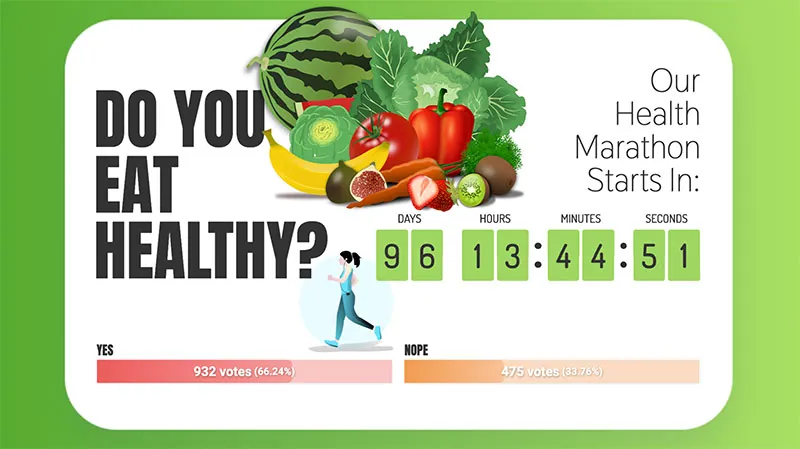 Open template
A countdown beside a two-option poll.
Health countdown + poll
Open template
A countdown beside a two-option poll.
Health countdown + poll
-
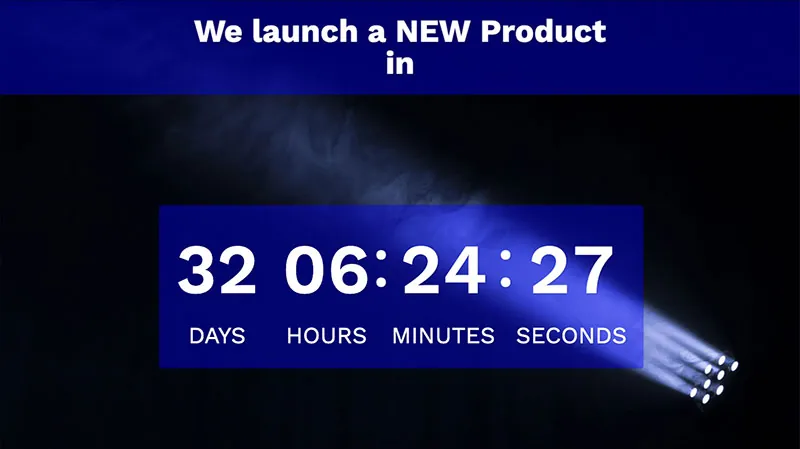 Open template
Days to a product launch, on a dark stage.
Countdown to a product launch
Open template
Days to a product launch, on a dark stage.
Countdown to a product launch
-
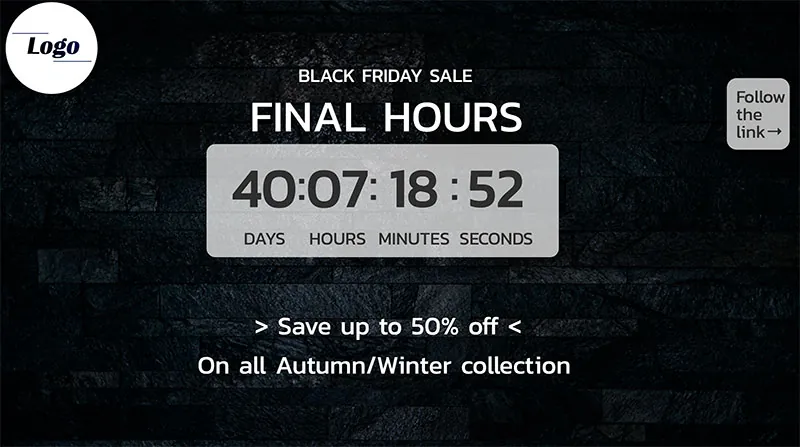 Open template
The final hours of a sale, with the discount under the timer.
Final sale countdown
Open template
The final hours of a sale, with the discount under the timer.
Final sale countdown
-
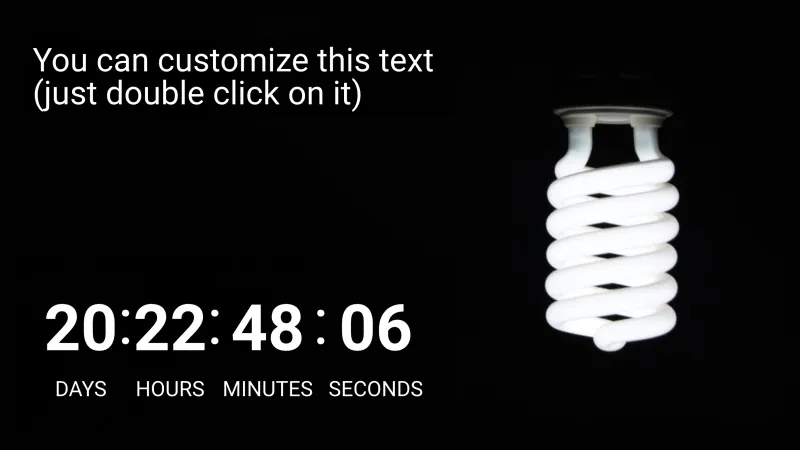 Open template
Plain digits and your own text on black.
Simple countdown
Open template
Plain digits and your own text on black.
Simple countdown
-
 Open template
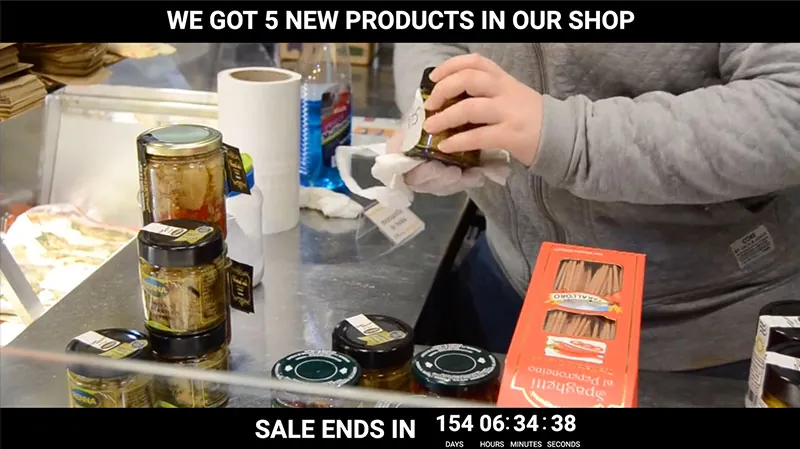
The time left in a sale, over a video from your shop.
Product sale countdown
Open template
The time left in a sale, over a video from your shop.
Product sale countdown
-
 Open template
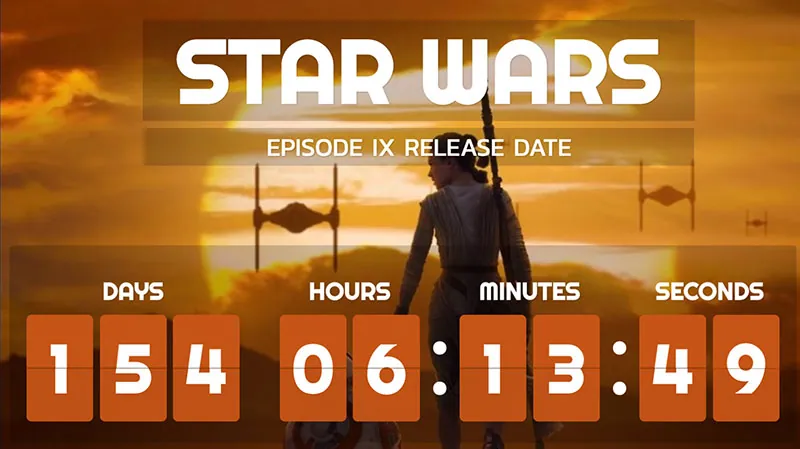
Days to a film release, in orange digit cards.
Star Wars countdowns
Open template
Days to a film release, in orange digit cards.
Star Wars countdowns
-
 Open template
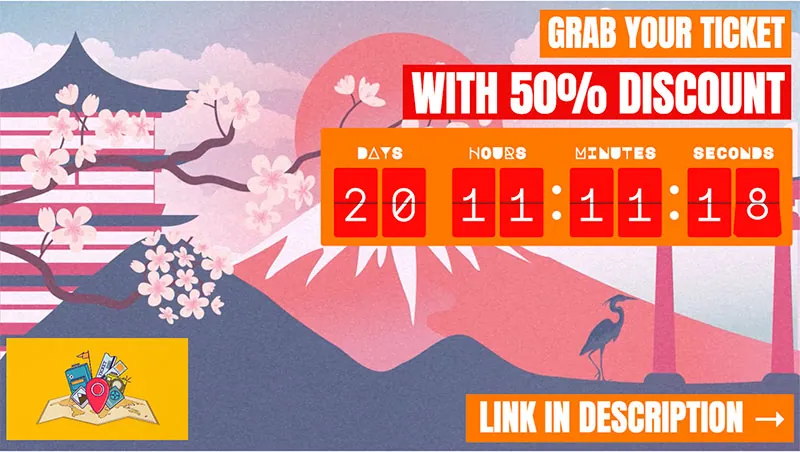
A travel offer with its discount and a countdown in digit cards.
Travel countdown
Open template
A travel offer with its discount and a countdown in digit cards.
Travel countdown
-
 Open template
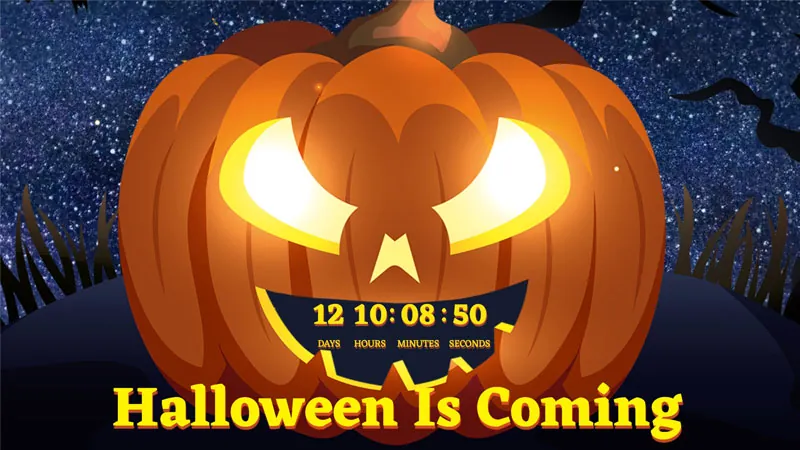
A Halloween countdown over a carved pumpkin.
Halloween countdown
Open template
A Halloween countdown over a carved pumpkin.
Halloween countdown
-
 Open template
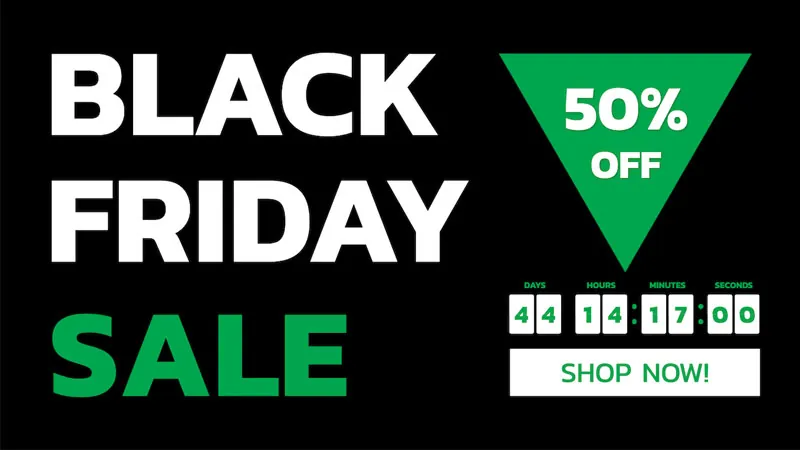
A Black Friday sale on black, with the discount and a shop button.
Black Friday 1
Open template
A Black Friday sale on black, with the discount and a shop button.
Black Friday 1
-
 Open template
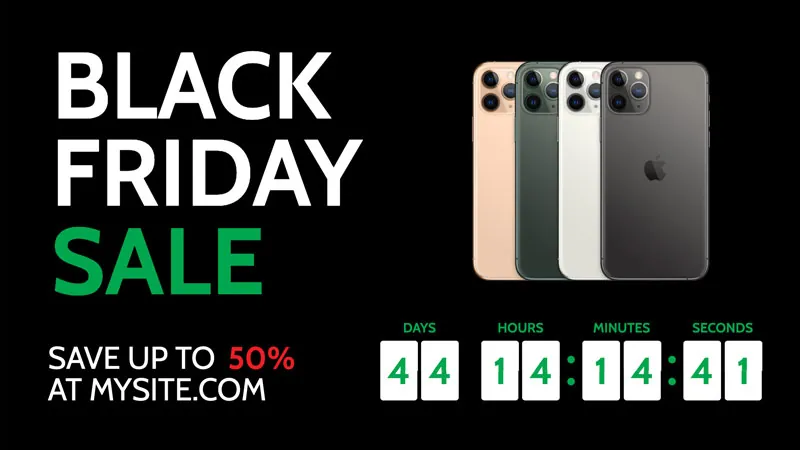
A Black Friday sale on black, with the products and the timer.
Black Friday 2
Open template
A Black Friday sale on black, with the products and the timer.
Black Friday 2
-
 Open template
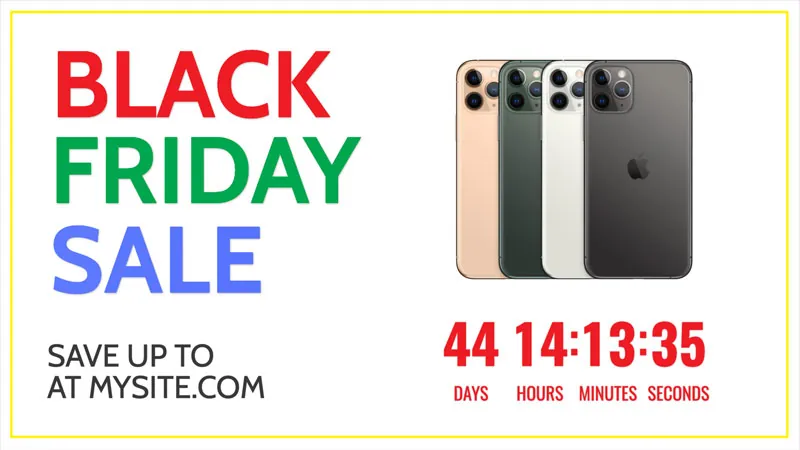
A Black Friday sale on white, with the products and the timer.
Black Friday 3
Open template
A Black Friday sale on white, with the products and the timer.
Black Friday 3
-
 Open template
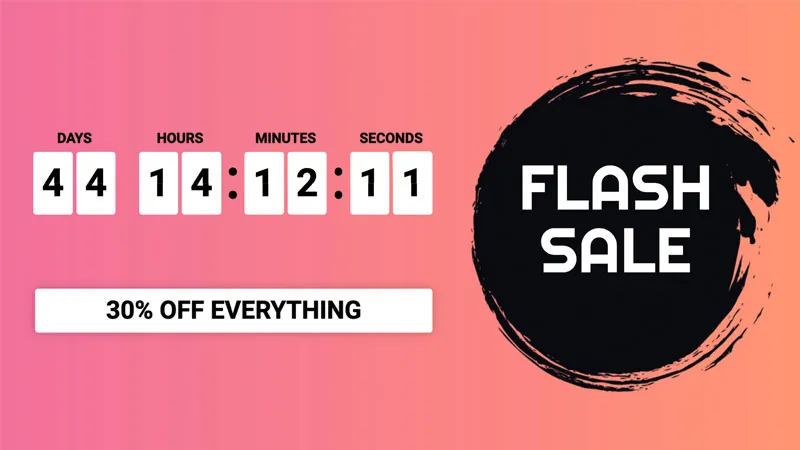
A flash sale on a gradient, in digit cards.
Black Friday 4
Open template
A flash sale on a gradient, in digit cards.
Black Friday 4
-
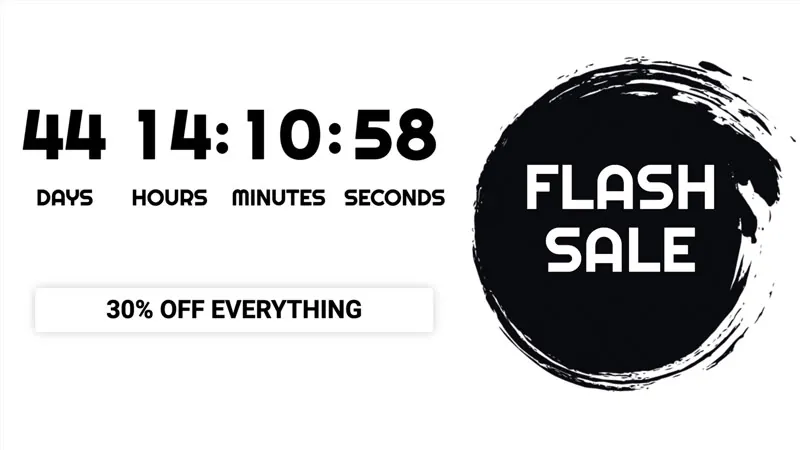 Open template
A flash sale on white, in plain digits.
Black Friday 5
Open template
A flash sale on white, in plain digits.
Black Friday 5
-
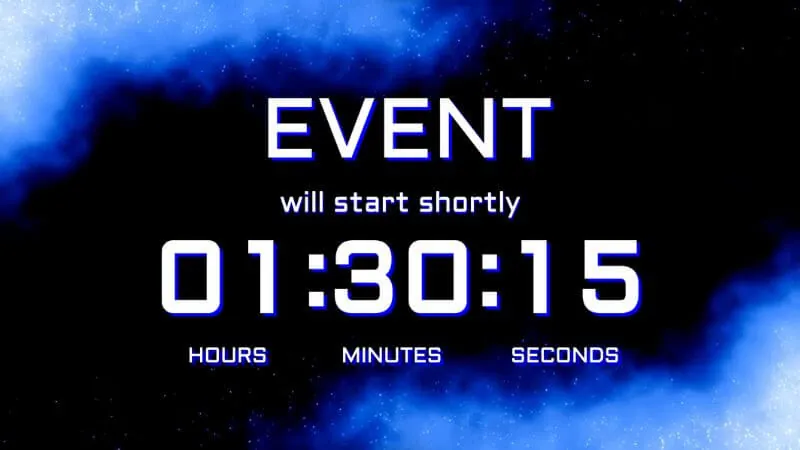 Open template
Hours, minutes and seconds until an event starts.
Event countdown
Open template
Hours, minutes and seconds until an event starts.
Event countdown
-
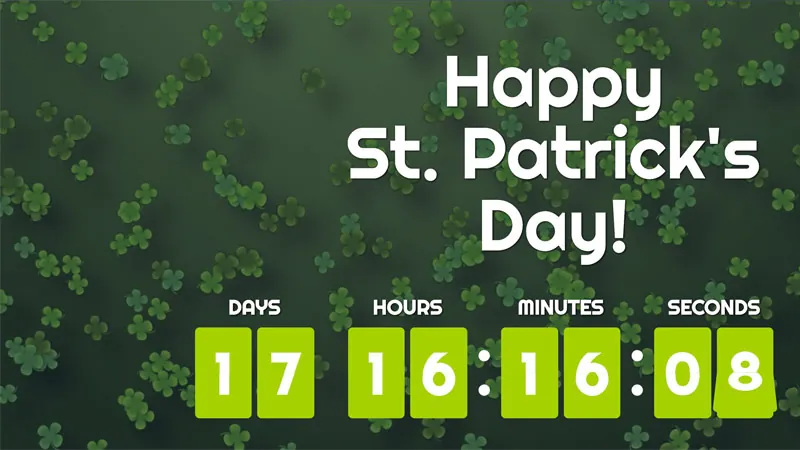 Open template
A St. Patrick's Day countdown in green digit cards.
Patrick's Day countdown
Open template
A St. Patrick's Day countdown in green digit cards.
Patrick's Day countdown
-
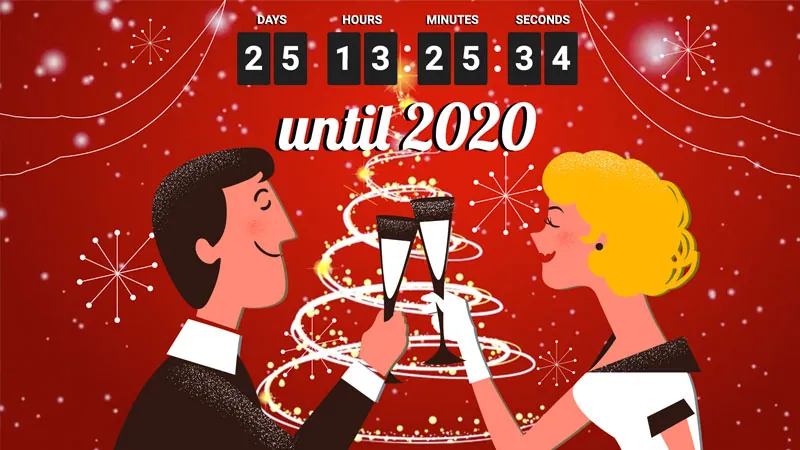 Open template
A New Year countdown with a champagne toast.
New Year countdown
Open template
A New Year countdown with a champagne toast.
New Year countdown
-
 Open template
A New Year sale, with the discount and a shop button.
New Year sale
Open template
A New Year sale, with the discount and a shop button.
New Year sale
-
 Open template
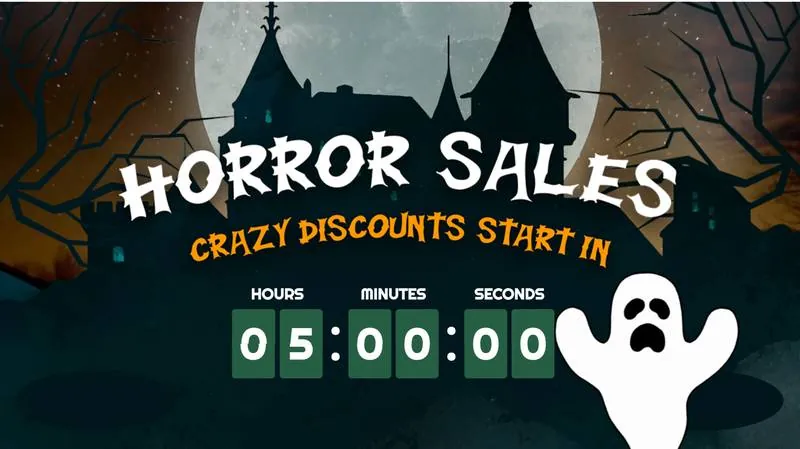
A Halloween sale countdown, with a ghost and a castle.
Halloween countdown
Open template
A Halloween sale countdown, with a ghost and a castle.
Halloween countdown
-
 Open template
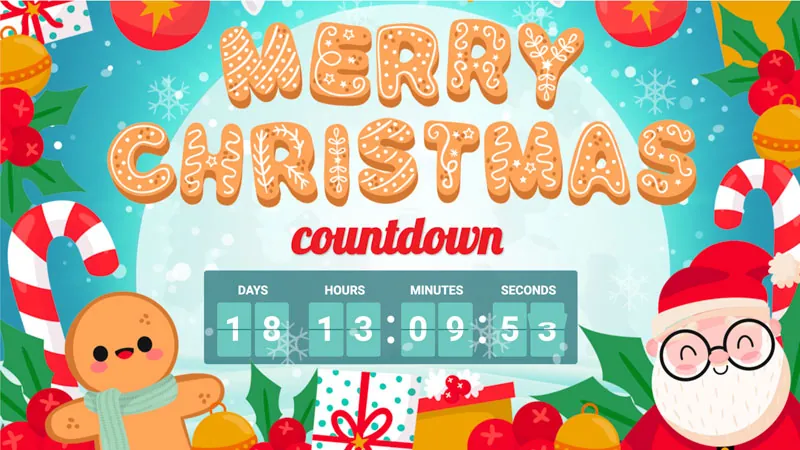
A Christmas countdown with candy canes and a gingerbread man.
Christmas countdown
Open template
A Christmas countdown with candy canes and a gingerbread man.
Christmas countdown
-
 Open template
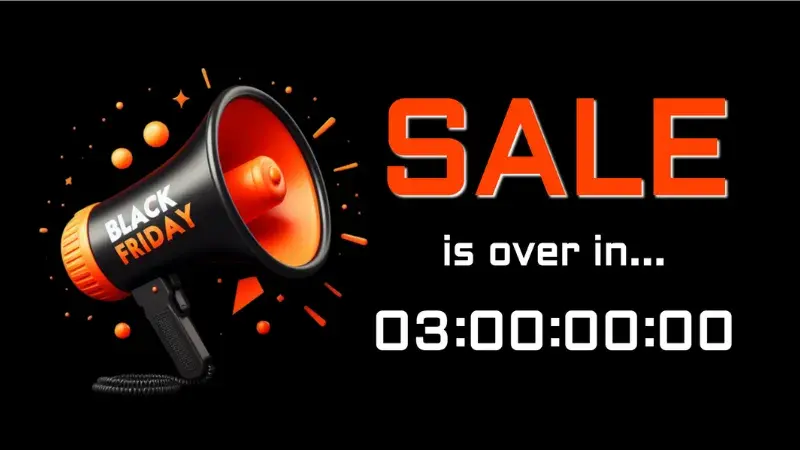
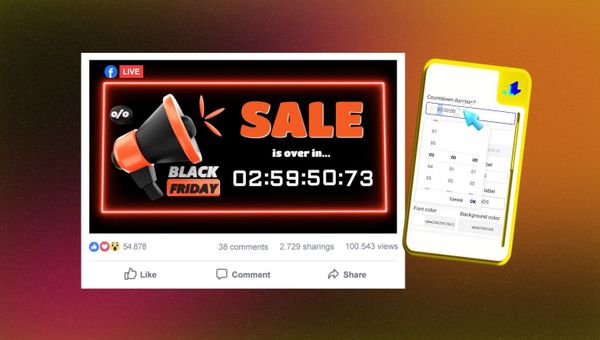
A Black Friday sale with a megaphone and the time left.
Black Friday countdown
Open template
A Black Friday sale with a megaphone and the time left.
Black Friday countdown
-
 Open template
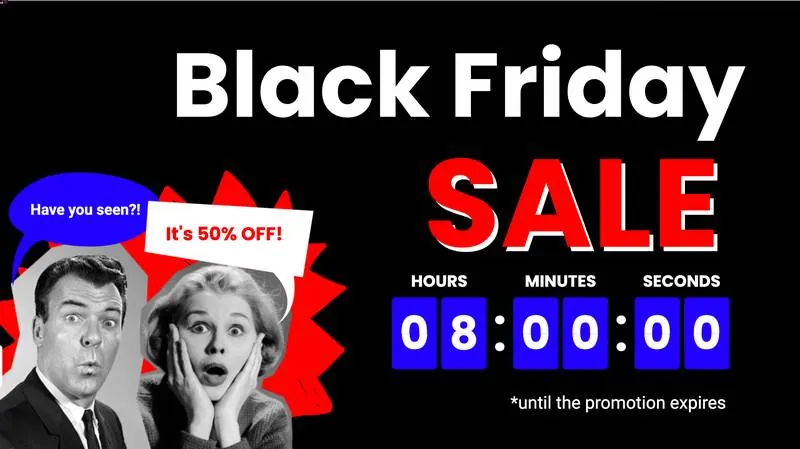
A Black Friday sale with two surprised faces and the time left.
Black Friday countdown
Open template
A Black Friday sale with two surprised faces and the time left.
Black Friday countdown
What people count down to.
A countdown fits any date your viewers are waiting for. Six of them, each with a page, a guide or a template to start from.
-
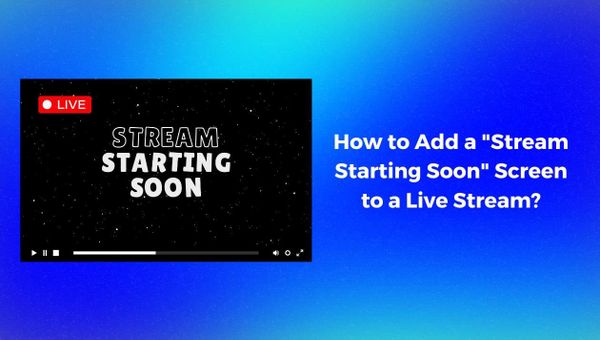
A starting soon screen
The minutes before your show, with the stream switching to your camera when it ends.
Read the starting soon guide -
A product launch
The days and hours to the launch, with your product on screen.
Open the launch template -
The end of a sale
The last hours of an offer, with the discount beside the timer.
See Amazon India's countdown -
A Christmas or New Year countdown on Facebook Live
A holiday countdown on your page, over music and a winter scene.
Open the winter countdown template -
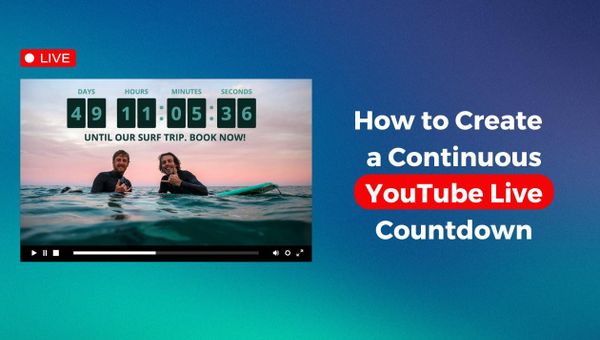
A release weeks away
A countdown on YouTube that runs on its own until the day, with nothing on your computer.
Watch our 24/7 countdown demo -
A church service
The minutes before the service starts, then the stream switches to the service.
See church live streaming
Set up your first countdown.
Pricing
One countdown stream, with no length limit.
A countdown is on every plan. The Countdown plan runs one until you stop it, in full HD, with multistreaming.
Free
Streams up to 30 minutes, in 720p, with the LiveReacting watermark on.
No card needed.
Sign up- Three live streams in a calendar month. 3 streams a month
- Each stream can run up to 30 minutes. Some platforms set their own maximum: Facebook stops a live video after 8 hours (September 2026). 30 minutes a stream
- 1280 by 720 pixels, HD. 720p at 30 FPS
- Video, image and music files kept in your account for your streams. 0.5 GB storage
- The largest single file you can upload. Files up to 0.5 GB
- One platform at a time, with the LiveReacting watermark. A custom RTMP address needs a paid plan. One destination
- People who join your stream from a link, on camera. 3 on-screen guests
- Trivia, word search, closest guess and other games. Viewers play by typing in the live chat, and up to 25 play at once. Read the Help Center guide Interactive games, 25 players
- A small LiveReacting logo in the corner. Every paid plan removes it. LiveReacting watermark on the stream
- Our team replies within 48 hours by email or chat. Minimal support
- Upload an MOV, AVI or MKV at any settings. We convert it to what YouTube, Facebook and the other platforms accept, at no extra cost. Read the Help Center guide Free video encoding
- Viewers enter by commenting. Draw a winner when you are ready, or set a timer and let it draw one on its own. Read the Help Center guide Giveaways drawn from the comments
- Ask a question and the bars move on the stream as viewers vote in the comments. Read the Help Center guide Polls on screen
- Countdowns, trivia rounds, music scenes and more. Open one and edit it in the studio. 100+ templates to start from
- The studio runs in your browser and our servers send the stream, so nothing has to stay open on your computer. Nothing to install
Countdown
One live countdown that runs as long as you need.
Month to month. Or $33/mo billed $396/year.
Buy now- One live countdown at a time, for as long as you need. 1 countdown stream at a time
- The stream runs until you stop it. Some platforms set their own maximum: Facebook stops a live video after 8 hours (September 2026). No time limit on a stream
- 1920 by 1080 pixels, Full HD. 60 FPS costs 1.5 times the price. To stream at 60 FPS, ask in the chat and our team sets it up for your account. 1080p at 30 FPS
- Video, image and music files kept in your account for your streams. It grows with the 60 FPS option. 0.5 GB storage
- The largest single file you can upload. It grows with the 60 FPS option. Files up to 0.5 GB
- The same stream to 3 platforms at once: YouTube, Facebook, Twitch, Instagram, or any RTMP address. Multistream to 3 destinations
- People who join your stream from a link, on camera. 3 on-screen guests
- Trivia, word search, closest guess and other games. Viewers play by typing in the live chat, and up to 500 play at once. Read the Help Center guide Interactive games, 500 players
- Schedule the same stream on several dates, or repeat it every set number of minutes, hours or days, up to four weeks ahead. Read the Help Center guide Advanced Scheduling
- Create, schedule and control your streams from your own code. API access
- Let an AI agent such as Claude Code, Codex or Cursor create and control your streams from a conversation. MCP server for AI agents
- Our team replies within 24 hours by email or chat. Basic support
- Upload an MOV, AVI or MKV at any settings. We convert it to what YouTube, Facebook and the other platforms accept, at no extra cost. Read the Help Center guide Free video encoding
- Viewers enter by commenting. Draw a winner when you are ready, or set a timer and let it draw one on its own. Read the Help Center guide Giveaways drawn from the comments
- Ask a question and the bars move on the stream as viewers vote in the comments. Read the Help Center guide Polls on screen
- Any platform that gives you a stream key and a server address: TikTok, Kick, LinkedIn, Vimeo and most others. Read the Help Center guide Any RTMP destination
- Pick the date and time. The stream starts then with nobody at the computer, and your followers can opt in to a reminder before it does. Read the Help Center guide Scheduled streams
- Countdowns, trivia rounds, music scenes and more. Open one and edit it in the studio. 100+ templates to start from
- The studio runs in your browser and our servers send the stream, so nothing has to stay open on your computer. Nothing to install
Frequently asked questions.
What happens when the countdown ends?
If you picked a next scene, the stream switches to it: your camera, a pre-recorded video or anything else you built. If you did not, the timer stops at 00:00 and stays on screen. If you set the stream's length to the countdown's, the stream stops when that time is up; for a countdown to a date, that time is measured from the moment you set it.
Does the countdown start my live stream?
No. The stream starts when you press Go live, or at the time you schedule it for. Schedule the stream for a time before your show, and the countdown runs from then until it ends.
How long can a countdown run?
A countdown to a date can run for as many days as you need. The limit is the platform's: Facebook ends a live video at 8 hours and Twitch a broadcast at 48 hours. YouTube states no maximum, but a stream longer than 12 hours may not be saved as a video afterwards. We read these on their help pages in September 2026.
Which time zone does it use?
The one on your computer. Set the date and time as you see them, and the countdown ends at that moment for every viewer, wherever they are.
Can I put a video behind the countdown?
Yes. Put a video, a picture or your camera behind the timer, and add your logo, a title and music around it.
Can I run a Facebook Live countdown for Christmas or Black Friday?
Yes. The templates above include Christmas, New Year, Halloween and several Black Friday countdowns. Set your own date, connect your Facebook page and go live. Facebook ends a live video at 8 hours, so for a longer countdown start a new stream before then.
Can I run more than one countdown at a time?
Not on the Countdown plan, which is one stream at a time. The 24/7 streaming plan has the same unlimited length, and you can buy up to 20 streams at once on it. The Small to Enterprise plans run several streams at once, each up to a set length. The pricing page lists them.
Can I run a giveaway in the same stream as a countdown?
Yes. One of the templates counts down to a giveaway, and you can add a poll, a game or your camera to the same stream.
Can I use it in OBS or vMix?
Yes, through Plugin Mode, which gives the countdown a link you add as a browser source. Plugin Mode is on the Small, Medium, Large and Enterprise plans, and not on Free, 24/7 streaming or Countdown. See the plans.
Do I need the Countdown plan?
No. A countdown is on every plan, the Free plan included. The Free plan streams up to 30 minutes and cannot schedule a stream. The Countdown plan is one stream with no length limit and with scheduling, for a countdown that runs for hours or days.
I need a countdown for only a few days. Is there anything shorter than a month?
No. The shortest plan is one month, and you can cancel it at any time.
How do I cancel?
Pause or cancel your plan at any time on your profile page, or write to us in the live chat.
Can I post a countdown to Facebook without a live stream?
Yes, on a Facebook business page, with our other app: it posts the countdown as a picture that updates itself every few minutes.
Can you design a custom countdown for me?
Yes. If the templates and the settings are not enough, our team builds a custom countdown for an additional price. Ask through the Enterprise page.
How to add a countdown timer to a live stream
- To add a countdown timer to a live stream, sign up for LiveReacting and create a project from a countdown template. Set a date and time or a duration, and connect the YouTube, Facebook, Twitch or other channel you stream to. Start the stream or schedule it, and the countdown runs on it until it ends.
-
- Create a project from a countdown template and set the date or the duration.
- Connect your channel, and pick the scene that follows the countdown if you want one.
- Start or schedule the stream, and the countdown runs until it ends.
-
 Written and reviewed by the LiveReacting Streaming Team. Powering live streams since 2016. See customer results.
Last updated: September 2026
Written and reviewed by the LiveReacting Streaming Team. Powering live streams since 2016. See customer results.
Last updated: September 2026
What a live countdown needs
- One LiveReacting account A countdown is on every plan. For one that runs for hours or days, the Countdown plan has no length limit. See pricing.
- A channel to stream to Sign in to your YouTube, Facebook or Twitch channel from the project, or paste the stream key of any other platform.
- A date or a duration And, if you want one, the scene the stream switches to when it ends.
Start your first live countdown.
Open a countdown template, set the date, and go live.
- No credit card
- 4.8 from 633 reviews
Want the numbers first? See pricing