Closest Guess Game for Your Live Stream.
A guessing game with a number for the answer: how many sweets are in the jar, how tall the tower is, what the price is. Viewers type their guess in the live chat on YouTube, Facebook, Twitch or Instagram. The closer the guess and the sooner it comes, the more points it scores.
- Free to start
- 4.8 from 633 reviews 4.8 is the average of 633 customer reviews. They come from public review sites and from our own review system.


 Instagram
- 2205Streams broadcasting through LiveReacting right now. Value updated every hour from the actual database. Streams live right now
- 3M+Every stream published through LiveReacting since launch. Counted in the LiveReacting database on 11 September 2026. Streams published
- 39K+ Customers
- 99.998% Uptime






Ask the question, then reveal the answer.
It works like a guess the number game in the chat. Each viewer gets one guess a round, so their first comment should be the number. After the round, the right answer comes up with a chart of the guesses and the ten best scores.
-
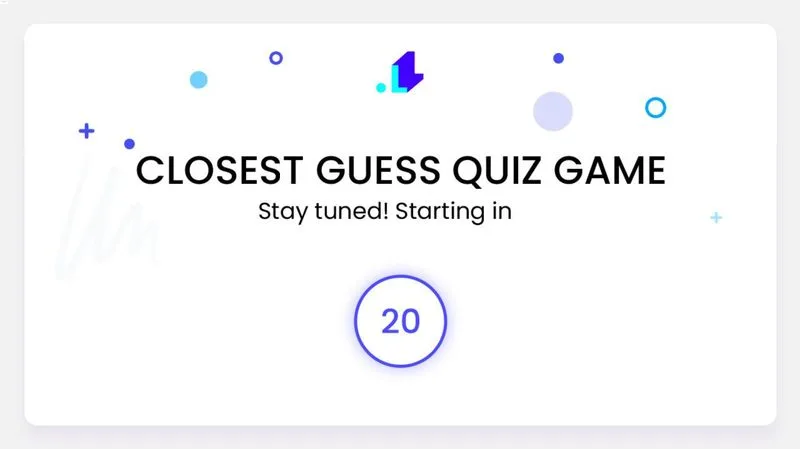
The start screen
Your title and a countdown, so viewers know the first question is coming.
-
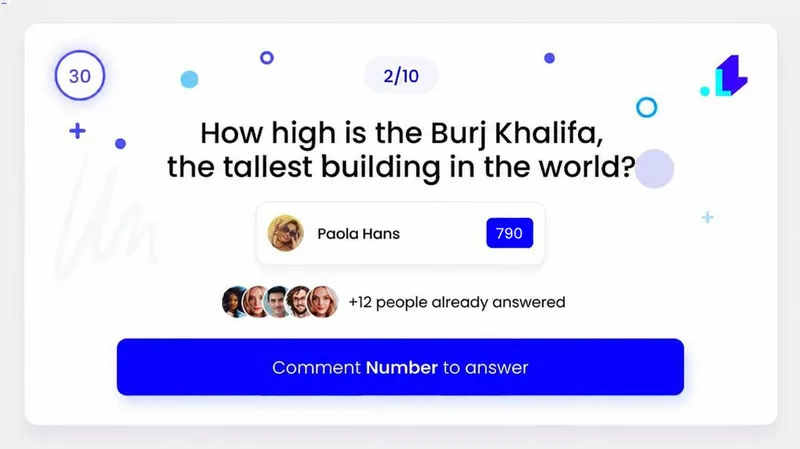
The round
The question and its timer. The latest guesses come up one after another, with the viewer's name and number. Read how the game works.
-
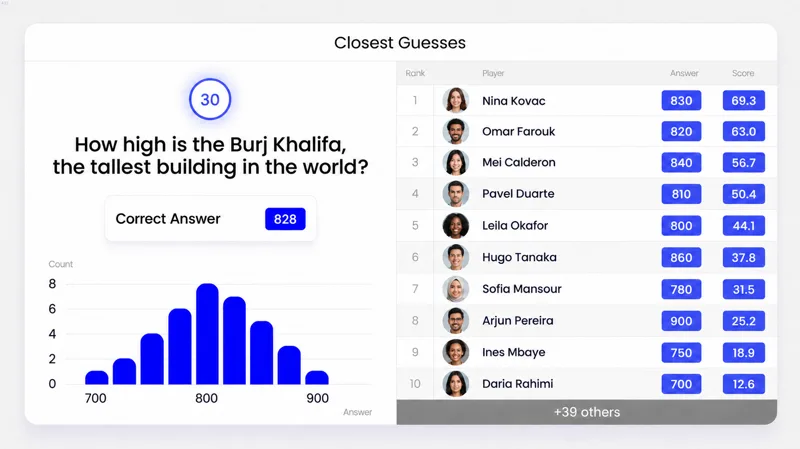
The best scores
The right answer, a chart of the guesses, and the ten best scores with each viewer's guess.
-
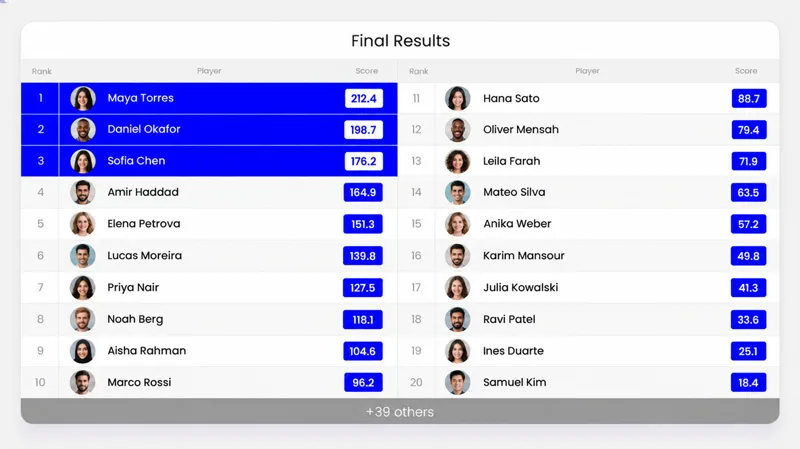
The final results
Points added up over every question, the top 20 players, and your winners highlighted.
130 closest guess games in Hobbii's live shows.
From February 2024 to February 2026, the yarn store Hobbii ran a LiveReacting closest guess in 116 of its live shows, with questions about yarn, knitting and sheep. 63 of the games took guesses from Facebook and YouTube at once.
- Games
- 130
- Viewers who guessed
- 11,404
- Games on two platforms
- 63
- The largest game
- 829 players
Counted from our records of Hobbii's broadcasts from February 22, 2024 to February 26, 2026. A viewer is counted once for each Facebook or YouTube account.
Watch the live streamYour questions, your timers, your look.
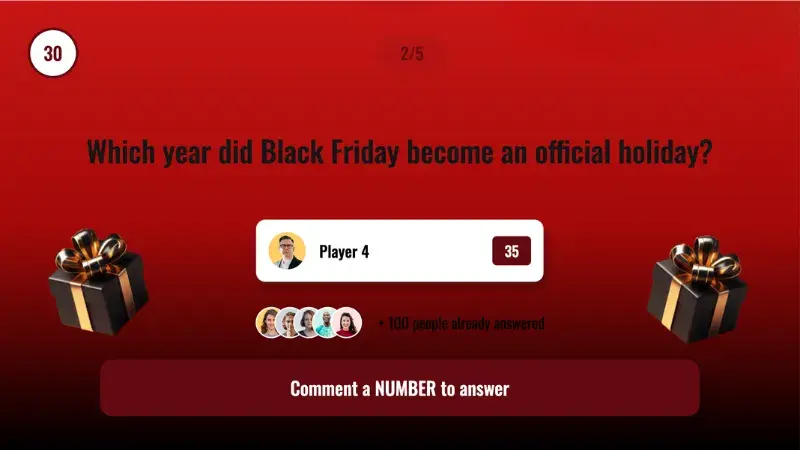
Write the questions yourself or start from ready ones, set how long each screen stays up, and dress the game in your colors.
-
The questions
From 1 to 70, each with a number for the answer. Write them, pick from 546 ready questions in six topics, or import and export an .xlsx file.
-
The timers
The countdown before the first question, the time for each guess, and how long the results stay on screen.
-
The look
Your color, font and logo, a background picture for each screen, the screen labels, and a transition between screens.
Let it run through every question, or host it yourself.
The timers can take the game from the first question to the final results, or you can host it on camera and see each answer before your viewers do.
Read the setup guide →-
Without a host
Our servers move the game from question to question. After the final results, the stream can end by itself or switch to a scene you choose.
-
With you on camera
Pause a question, skip a results screen, and read the right answer and the next question in the studio before anyone else sees them.
-
Inside OBS, vMix or StreamYard
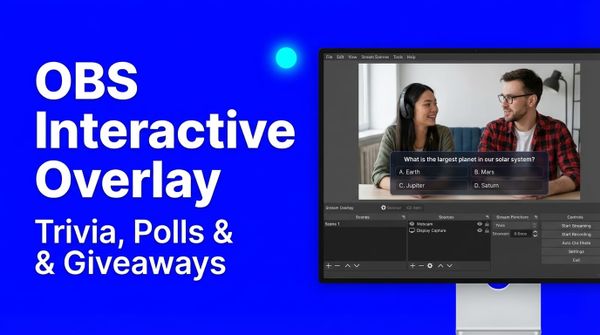
Plugin Mode gives the game a link for a browser source in the software you stream with. Read the OBS guide.
From our customers' live streams.
Closest guess games our customers ran.
3M+ live streams, 39K+ happy customers.
What they say about LiveReacting.

“The different live stream formats LiveReacting provides have engaged our community with practical, intuitive, and fun trivia games & giveaways.
We plan to use these tools to expand our content creation even more in the future.”
 Luisa & MatLive Content Team at Hobbii
“LiveReacting is an amazing tool for interactive games on your live stream.
You can create all sorts of live games to play with your audience. It is really easy to set up and use.”
 Michael Feyrer Jr.Live Streaming Expert & YouTube Entrepreneur
“The most amazing thing about this software is that you can update your stream on the fly. You can change branding, add pre-recorded videos and all from the cloud.
And then of course all the interactive tools like the countdowns, polls, trivia games are just so cool.”
 Geoffrey E.Chief Content Officer at a marketing agency
“This software checks all the boxes of exactly what I need for my YouTube livestreaming.
The UI is fantastic and very easy to use. It seems other platforms all have one or a few features missing that ruin it, but LiveReacting has had everything I need.”
 Jesse E.YouTube content creator
“Very satisfied with LiveReacting! It has helped us in social media campaigns and have contributed to successes of it.”
 Anne Nicole S.Social Media Officer at an airline
Start from a closest guess template.
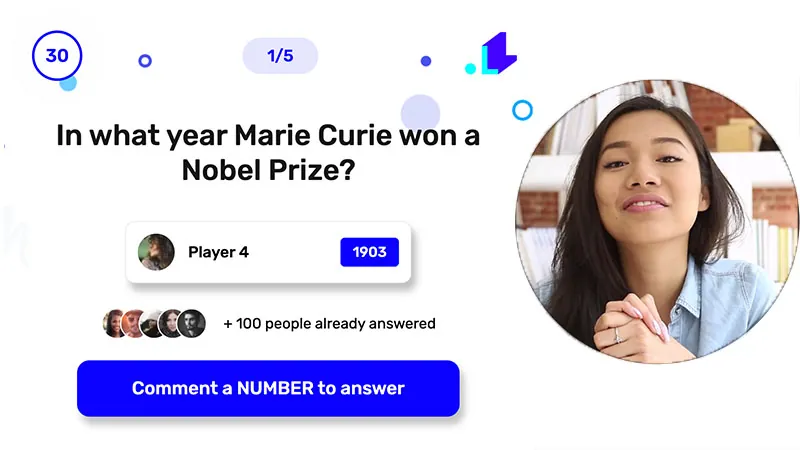
A ready-made project with the screens set up. Open it, write your questions and go live.
What people ask their viewers to guess.
Any question with a number for the answer works. Here are six ideas, and where to start each one.
-
Questions about your products
How many balls of yarn make a scarf, or how much a new product weighs.
See Hobbii's games -
The price in a live sale
Viewers guess the sale price before you show it.
See the Black Friday template -
Sweets in the jar
Hold up a jar and let the chat guess what is inside.
Read the setup guide -
A year in history or sport
When a record fell, a law passed or a team last won the cup.
See the templates -
A science question in class
Heights, distances and temperatures, and the chart shows how the class guessed.
See interactive live streaming -
A game over a recorded show
Questions timed on their own beside a pre-recorded video, with no one at the computer.
See pre-recorded live streaming
Get your first closest guess on air.
Frequently asked questions.
How do viewers play a closest guess game?
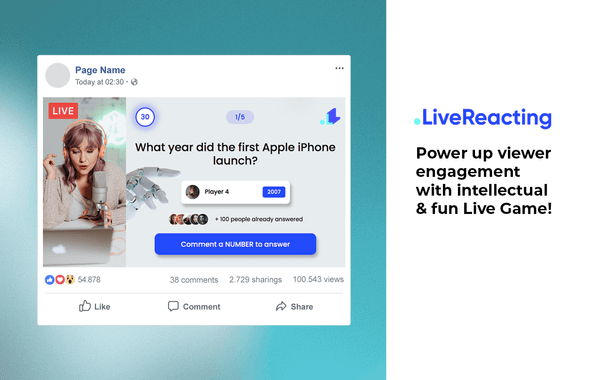
They type a number in the live chat on YouTube, Facebook, Twitch or Instagram. The first number in a comment is the guess, so "1200 kg" counts as 1200. One guess a round counts for each account, so the first comment should be the number.
How should viewers type their guess?
As digits only, like 1200. The game reads "1,200" as 1.2 and "1.2k" as 1.2, while "1,5" is read as 1.5. Put a line in your question or on screen that asks for plain numbers.
How are points counted?
Each round, a guess scores more the closer it is to the answer and the sooner it comes, and the exact answer scores 20 points more. The points add up over every question, and the final results show the top 20.
Who wins?
The viewers with the most points over the whole game. You choose from 1 to 20 winners, and the final results highlight them.
Can I write my own questions?
Yes. Write up to 70, each with a number for the answer, pick from 546 ready questions in six topics, or import them from an .xlsx file with a Question and an Answer column.
Can I run a closest guess game without a host?
Yes. The timers take the game from the start screen through every question to the final results, and our servers send the stream, so your computer can be off. After the final results, the stream can end by itself or switch to the next scene.
Can I use it with OBS, vMix or StreamYard?
Yes, with Plugin Mode, which adds the game to your scene as a browser source. It is on some paid plans and not on the free one, and the pricing page lists which.
Can viewers see the leaderboard?
Yes. Every game has a public leaderboard page with the players and their points. Share its link once the game is over.
Is the closest guess game on the free plan?
Yes. The free plan streams to one channel at a time, for up to 30 minutes a stream, and the pricing page lists interactive games on it for 25 participants. It has no Plugin Mode.
Can you build a custom game for me?
Describe the game you need through the Enterprise page. Our team reviews the requirements and gives you a quote before any work starts.
How to run a closest guess game on a live stream
- To run a closest guess game on a live stream, sign up for LiveReacting and open a closest guess template. Write questions with number answers, connect the YouTube, Facebook, Twitch or Instagram channel you stream to, and go live. Viewers type their guesses in the live chat, each round ends with the right answer and the best scores, and the game ends with the final results.
-
- Open a closest guess template and write your questions.
- Connect the channel you stream to and go live.
- Let viewers guess in the chat, round after round.
-
 Written and reviewed by the LiveReacting Streaming Team. Powering live streams since 2016. See customer results.
Last updated: September 2026
Written and reviewed by the LiveReacting Streaming Team. Powering live streams since 2016. See customer results.
Last updated: September 2026
What you need to run a closest guess game
- One LiveReacting account You create the project and start the stream from your account. What each plan includes is on the pricing page. See pricing.
- A channel to stream to Sign in to your YouTube, Facebook, Twitch or Instagram channel from the project.
- Questions with number answers Your own, or the ready ones. A count, a height, a year or a price all work.
Ask your first number question live.
Open a closest guess template, write a question your viewers would love to guess, and go live.
- No credit card
- 4.8 from 633 reviews
Want the numbers first? See pricing