Connect LiveReacting to your AI.
Your AI then builds, schedules and starts your live streams for you.
-
ChatGPT
The LiveReacting plugin opens in ChatGPT. Click Install plugin, then sign in to your LiveReacting account.
Open in ChatGPT -
Claude
Copy this URL. In Claude, open Customize, Connectors, Add custom connector, paste it, then sign in to your LiveReacting account.
https://mcp.livereacting.com/mcp -
Claude Code, Codex, Cursor or any other AI agent
Copy the setup message and paste it into your agent. The agent sets up the connection for you.
Included in every paid plan. Full setup guide
Let AI
run your Live Show.
Elevate your live shows with our AI host. Save time and money while providing an interactive and engaging experience for your audience.



What is this?
Revolutionize your live streams with AI technology.
LiveReacting makes it possible. No matter what industry you are in, an AI host understands the context of your live show in seconds and acts accordingly like a PRO.
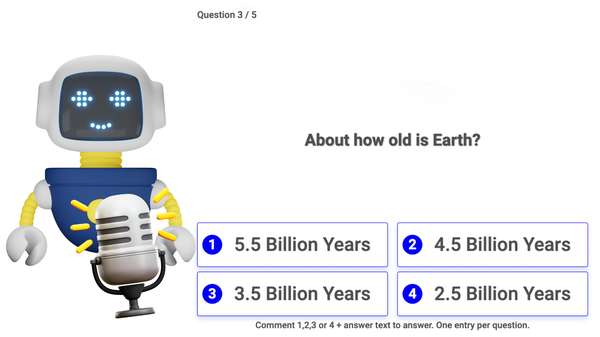
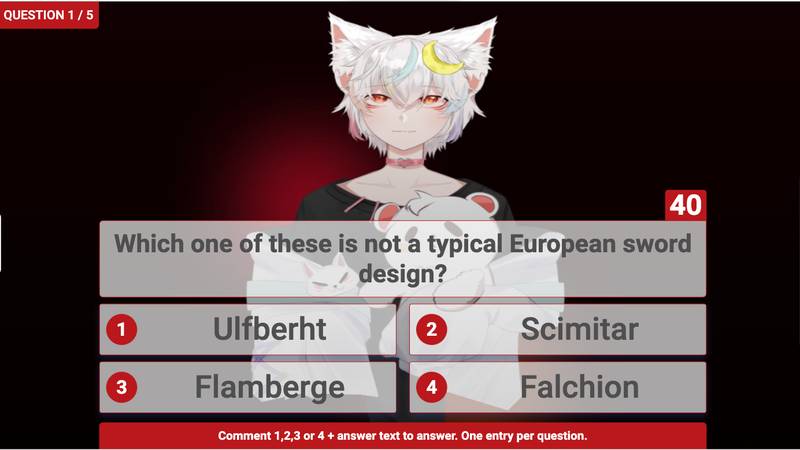
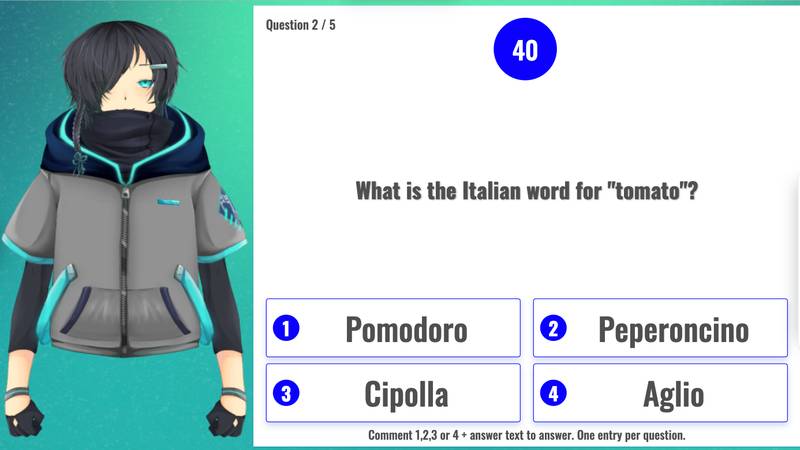
The host introduces your quiz, reads questions with possible answers, talks about the topic while users respond, announces winners for each round, and interacts with players in real-time. With LiveReacting, you no longer need to worry about being on camera. AI host will autonomously make your live show engaging, fun, and modern.?
Whether you're an educational institution, an influencer promoting a product, or a small pub owner who loves hosting quizzes, LiveReacting has you covered.
100% Hosted By
LiveReacting AI!
AI technology that understands what is happening during your live trivia show and its topic.
Our AI host will keep your audience captivated with a mix of educational and entertaining content, including interesting facts and information about the topic.